
Interactive Applications

The images about the phospholipid bilayer are from diorama formative assessment for the Interactive Applications course during semester one. The images about the lungs are from the group assignment for the course; members of the group were Wei Lin and Andreea Nebunu.
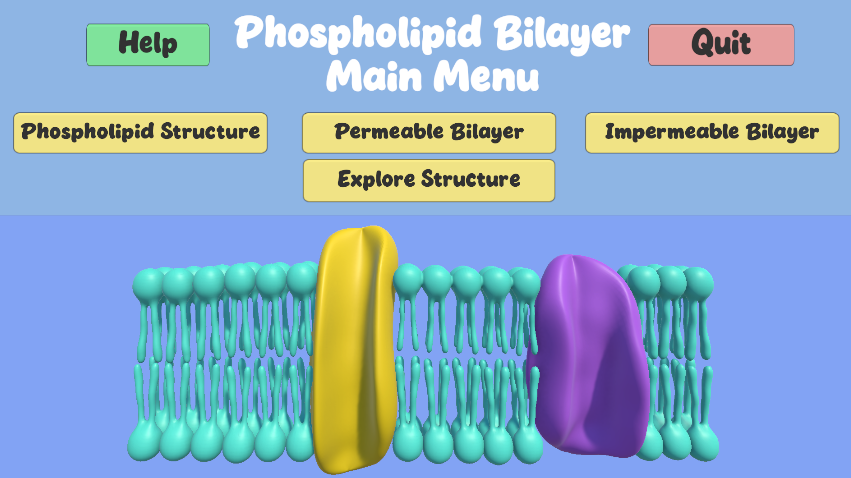
There is a model of a phospholipid bilayer with two membrane proteins. There are buttons along the top serving as the main menu bar.
Phospholipid Bilayer Diorama Main Menu

Shown is the main menu scene of the diorama.
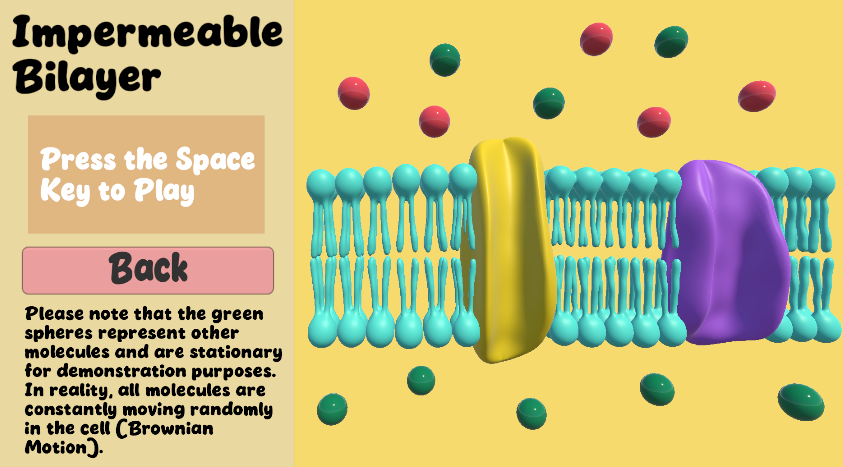
There is a model of a phospholipid bilayer with two membrane proteins and spheres representing ions distributed across the space. There are instructions on the left side and a back button.
Impermeable Bilayer Scene of Diorama

This scene allowed the user to play an animation with the space bar, showing what happens to ions (the spheres) when it is impermeable to the phospholipid bilayer.
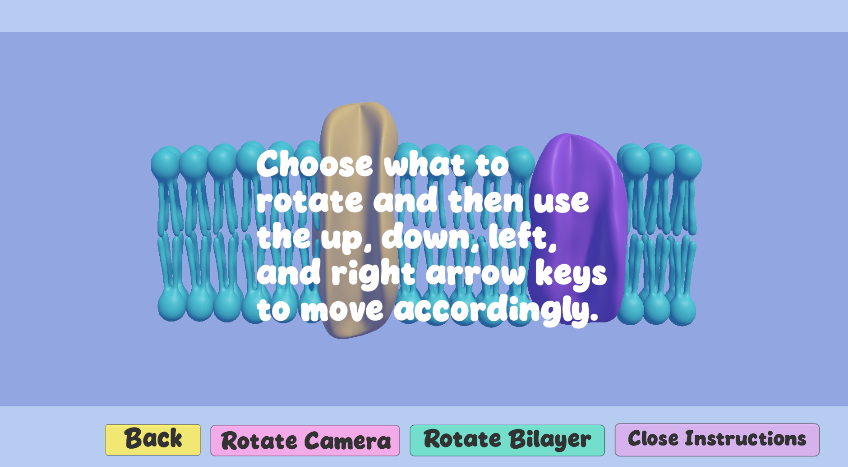
There is a translucent instruction panel in front of a model of a phospholipid bilayer with two membrane proteins. There are four buttons along the bottom of the image.
Phospholipid Bilayer Exploration Scene of Diorama

This scene allows the user to rotate a 3D model of the phospholipid bilayer. This was modeled entirely in ZBrush.
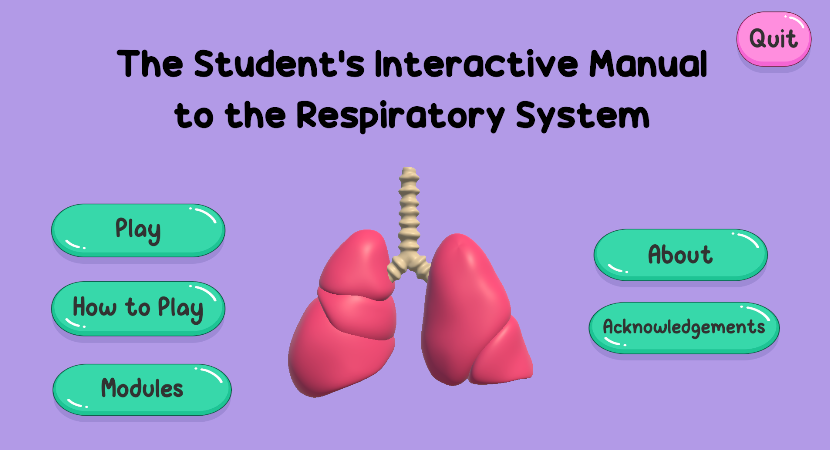
There is a lung model in the center with buttons flanking both sides of it. There is a large title across the top.
Main Menu

This main menu page allows the user to choose what they would like to explore first.
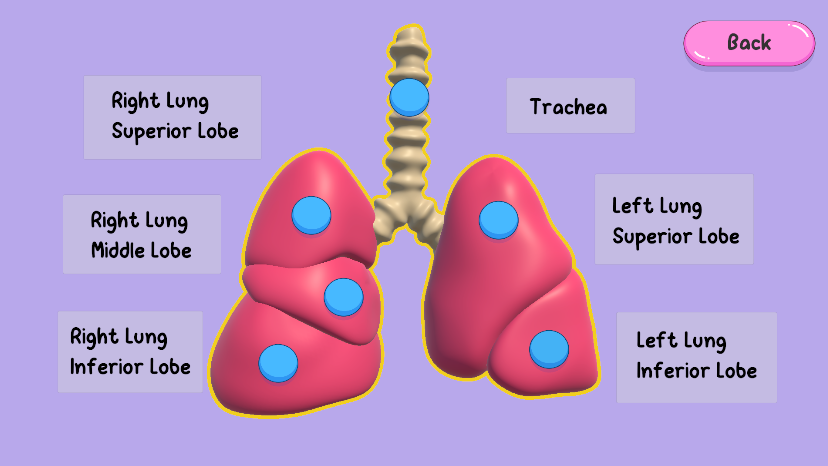
There is a model of the lungs in the center with a blue button on each structure. There are labels all along the sides of the model explaining what each structure is. There is a back button in the top right corner.
Anatomy of the Lungs

This page allowed users to click on each lobe of the lung and the trachea to reveal a corresponding label.
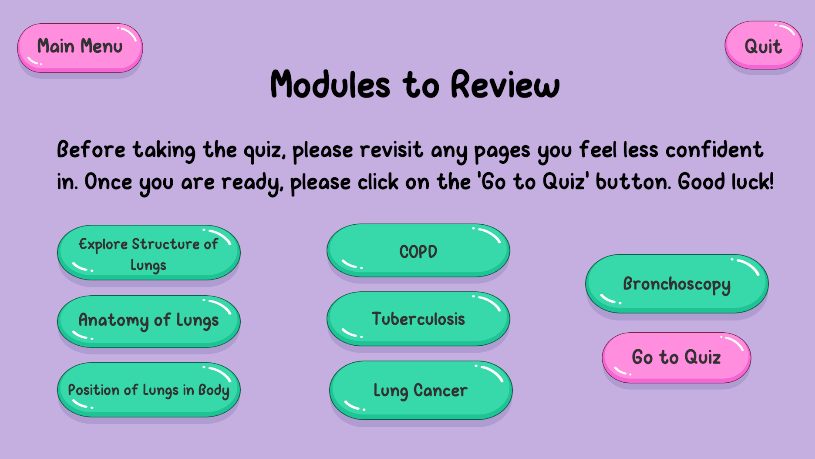
There is a title and two lines of instructions along with a list of buttons leading to different scenes.
Modules to Review

This scene allowed users to return to any of the learning pages in the application.